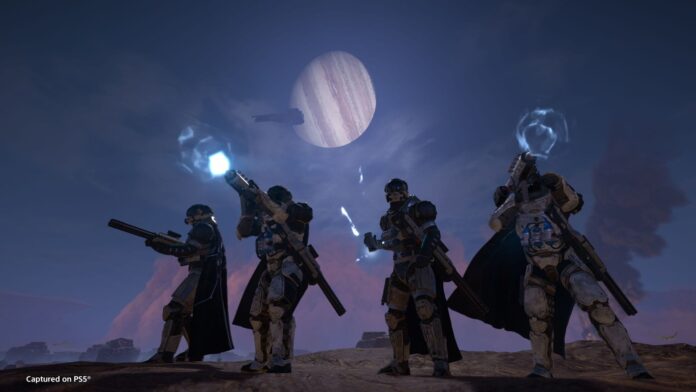
For a while now, players have been complaining about the overall file size for Helldivers 2. Following the Unjust: 5.0.0 Update, the overall size for the game currently stands at 152 GB (on my PC). To many, this is not an issue, but to those without storage space on their PC or a limited NVMe/SSDs to boot the game from, it becomes a problem in certain ways.
Well, the developers have finally addressed this issue, and it’s currently live for players to implement. If nothing else, it will allow you to install Helldivers without having to delete/remove other games from your library. That said, here’s how to reduce Helldivers 2’s file size.
How to reduce Helldivers 2 file size (Beta): Step-by-step guide
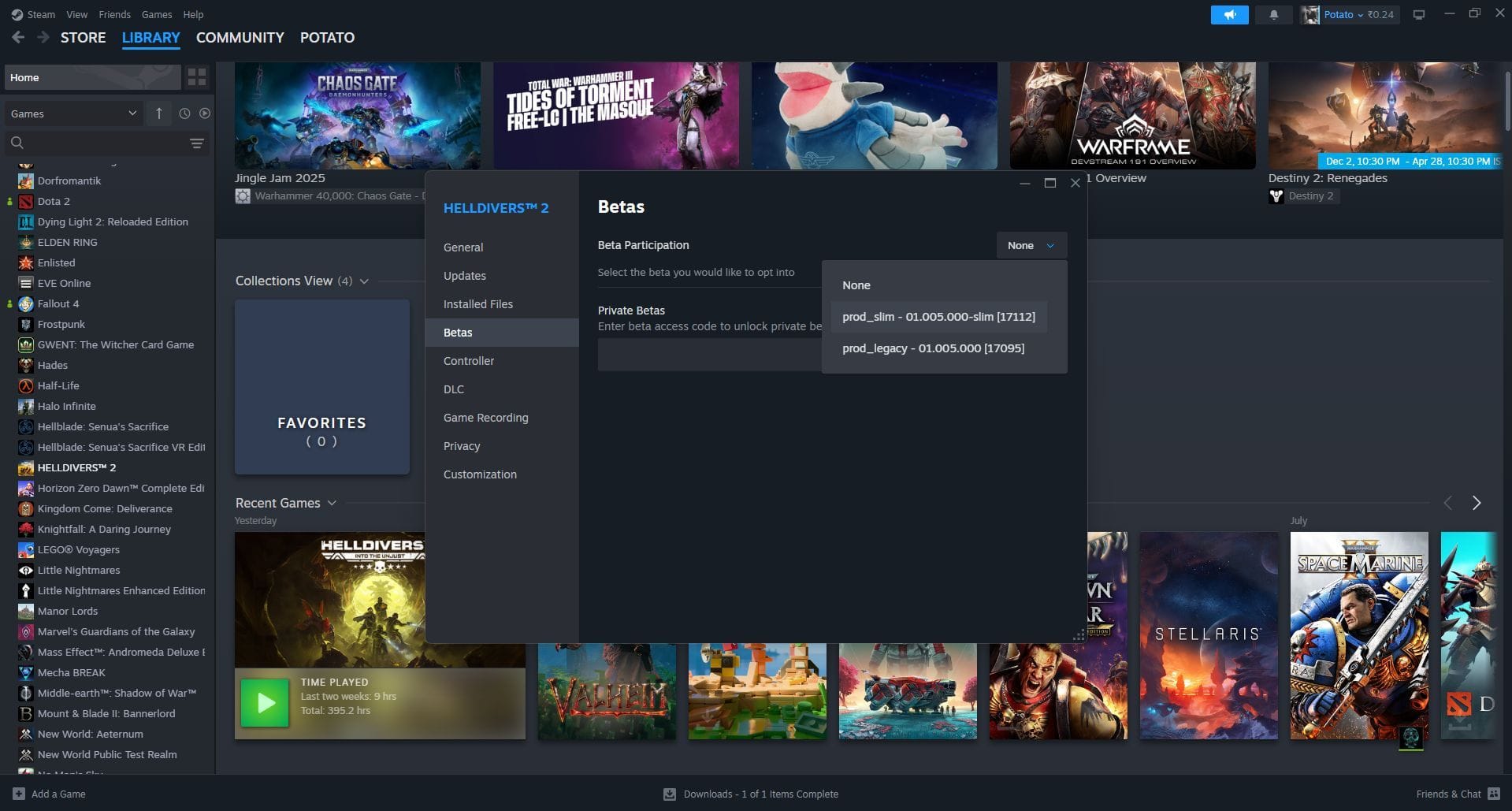

To opt into the “Slim”, aka Beta version of the game, you’ll have to access Steam and follow these steps. It’s not too complex, and you should have no issues doing it by yourself. Here’s what you need to do:
- Open your Steam library, right-click on Helldivers 2 and select ‘Properties’.
- Select the ‘Betas’ tab.
- Under the Beta Participation drop-down list, select “prod_slim”.
- Close the properties box and wait for the new patch to download.
Once the patch is downloaded, the game’s size will reduce from ~154GB to ~23GB, for a total saving of ~131GB (~85%), which is incredible. The only downside (which is rather minimal) is that mission loading times could increase by a few seconds, which is not a lot.
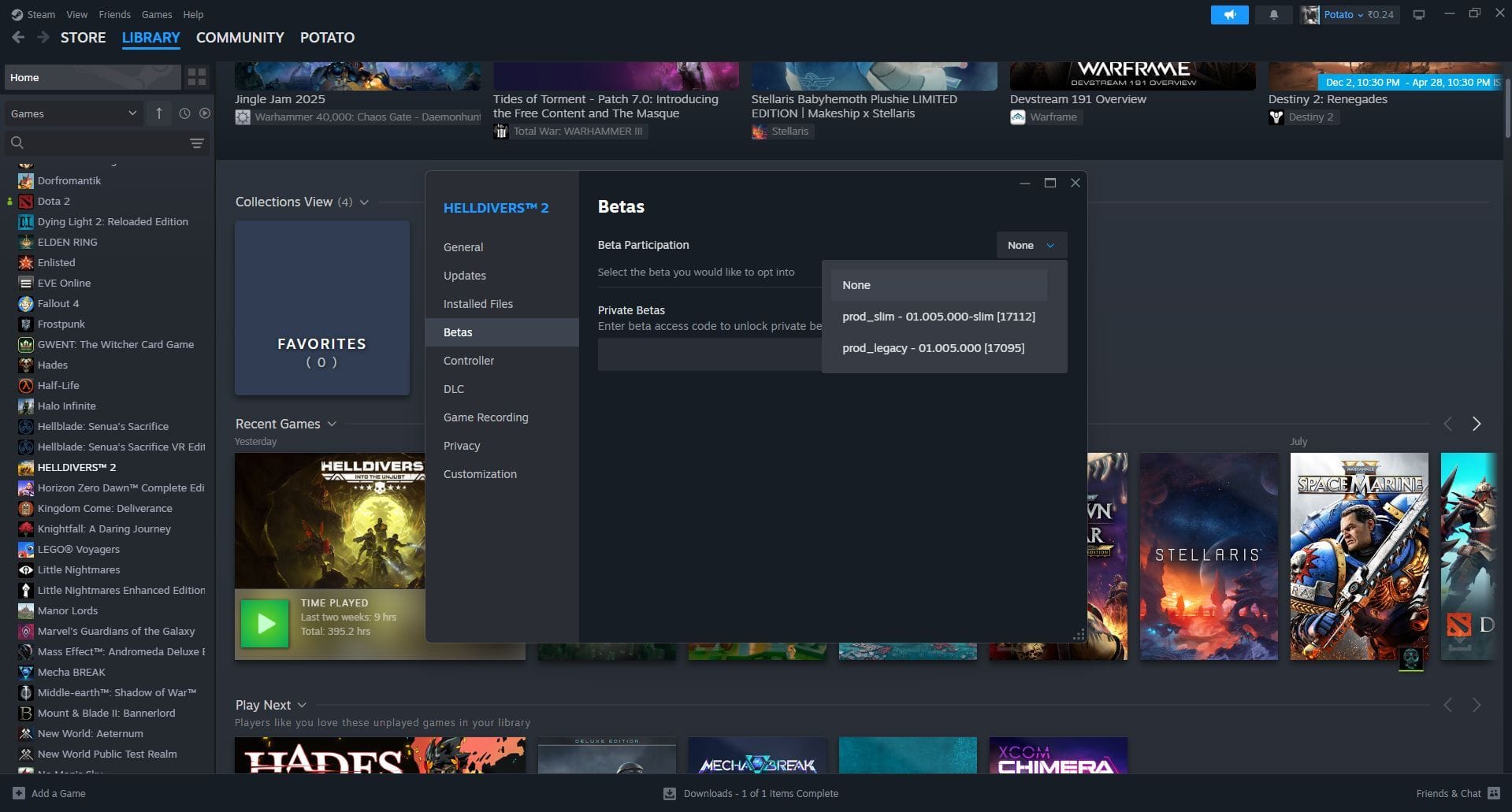

Keep in mind that this is still in Beta, which means there could be unexpected technical issues. To that end, you can opt out of the “prod_slim” Beta and select “None”. This will revert the game’s size to what it was before the patch.
Once the Slim Version has been released publicly, everyone’s game size will be reduced with the respective update. This could take a while as the developers would want to ensure that everyone is working as intended.
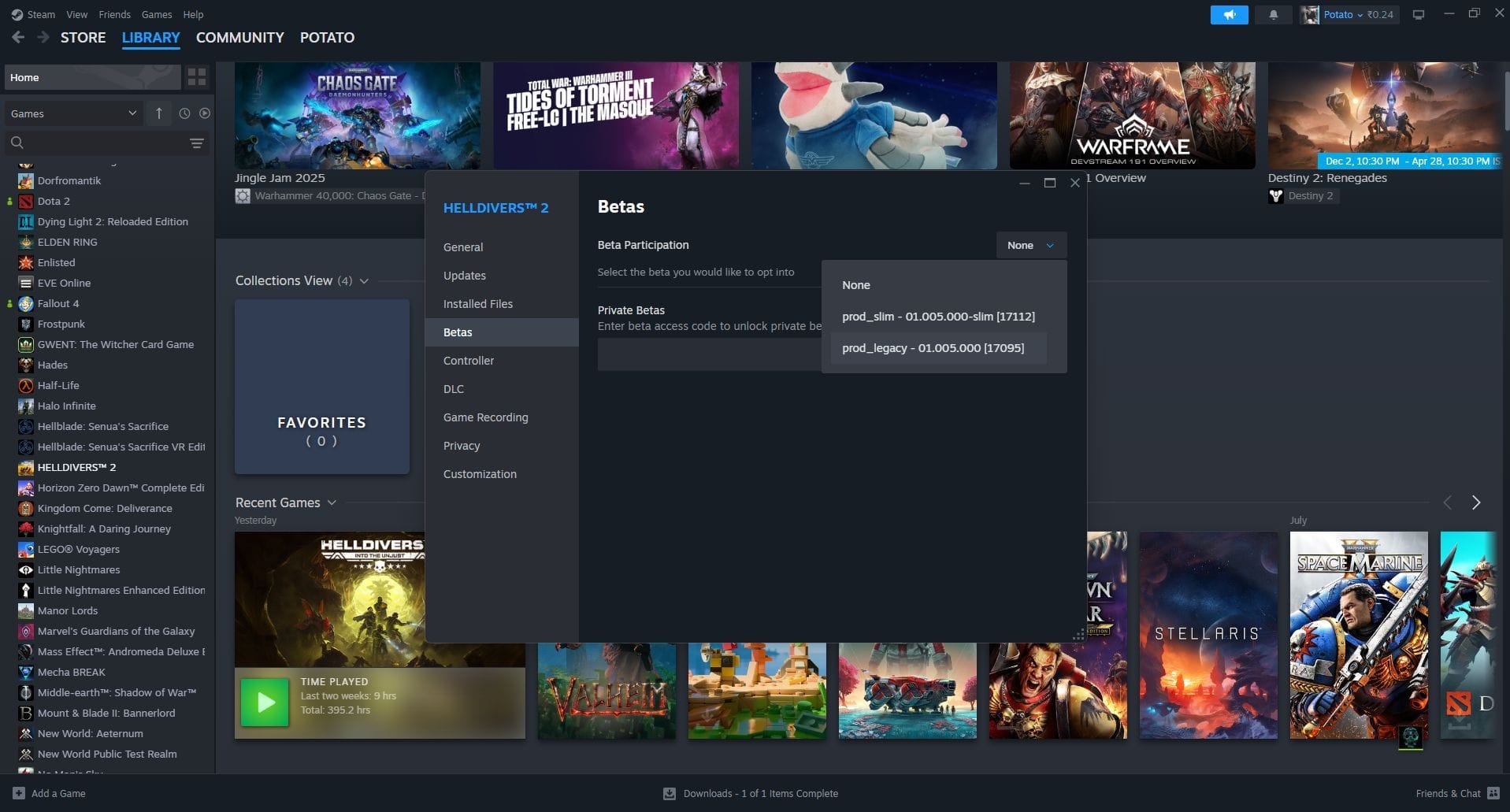

Just in case the Slim Version has issues when publicly released and made the default, the developers have stated that you will be able to opt for the “prod_legacy” version. This will revert the game to how it currently is. Keep in mind, this will once more increase the overall game’s size, but in the case of an emergency, this contingency plan will be available to all players.
That is about everything you need to know about how to reduce Helldivers 2 file size (Beta). It will take a while before this becomes the default version, and you could experience issues. Nonetheless, if you want to help the developers and crush the enemies of Super Earth while saving on storage space, this is your chance.
Read more articles here:
Are you stuck on today’s Wordle? Our Wordle Solver will help you find the answer.
Edited by Matthew Wilkins

.)